Site in read-only mode
This site is now read-only following the release of MyBB 1.8 and the new mods site.
If you are looking for MyBB 1.8 mods please click here to visit the new mods site.
You can continue to download submissions for MyBB 1.6 and earlier here, however new submissions will only be accepted via the new mods site.
MyFavicon
This plugin add a favicon.
This plugin is for users who cannot or doesn't wont manually modify the templates to add a favicon.Adding an icon is very easy and quick.
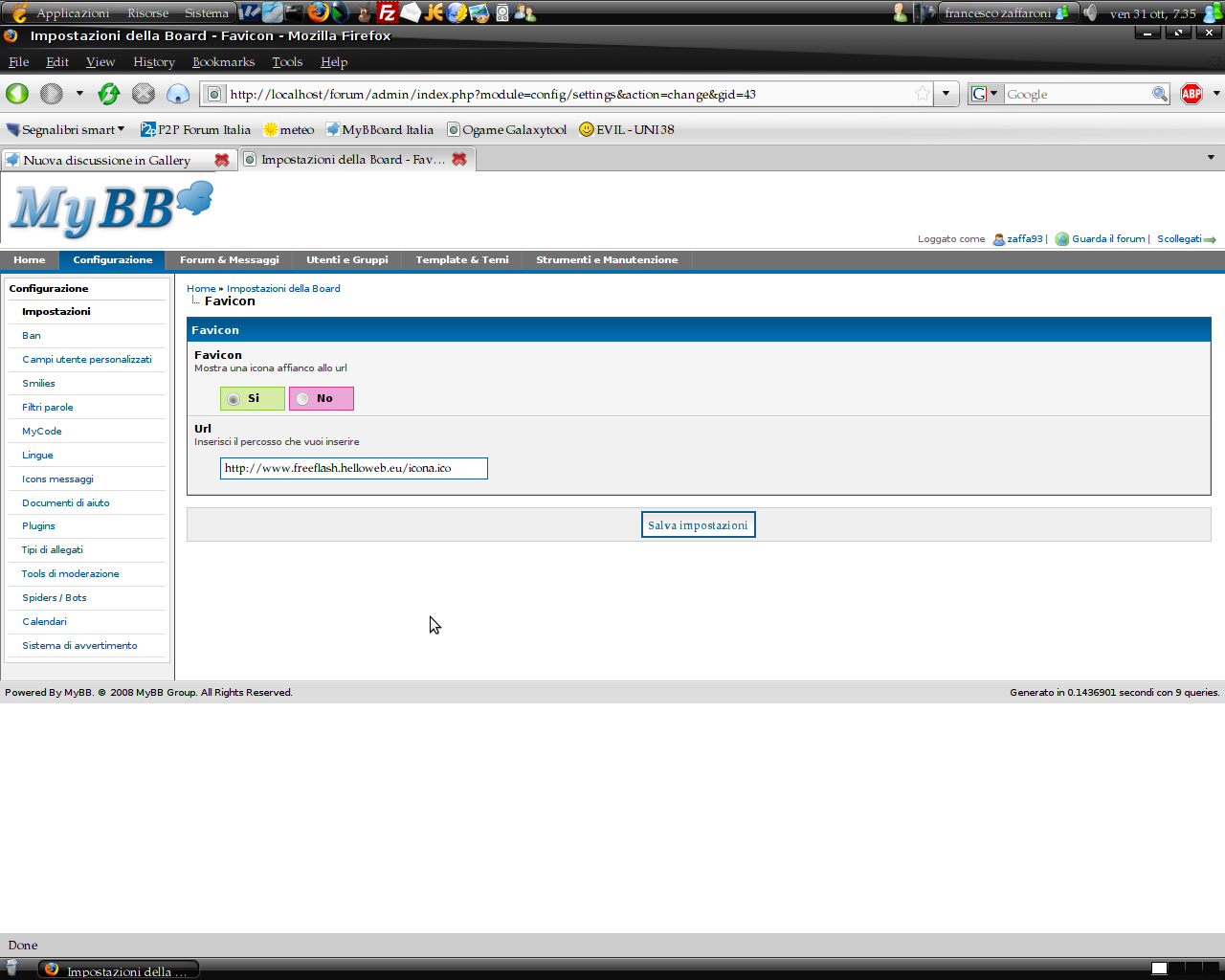
This plugin adds two settings, the frist is to activate or deactivate the plugin without loosing the other setting, the second is the path of the '.ico' file.
Installation
- Upload the favicon.php to your /inc/plugins/
- Go to ACP>Configuration>plugins and activate favicon
- Go to ACP>Configuration>settings and set the path
Upgrade
- Deactivate the plugin.
- Replace the old file with the new.
- Activate the plugin.
- Set the path to your icon.